
FlagsBattle guides
Guides for streamers and flag fans
Practical guides for running a live chat game on YouTube, and stories about the flags of the world. Written by the team that makes FlagsBattle.
For streamers
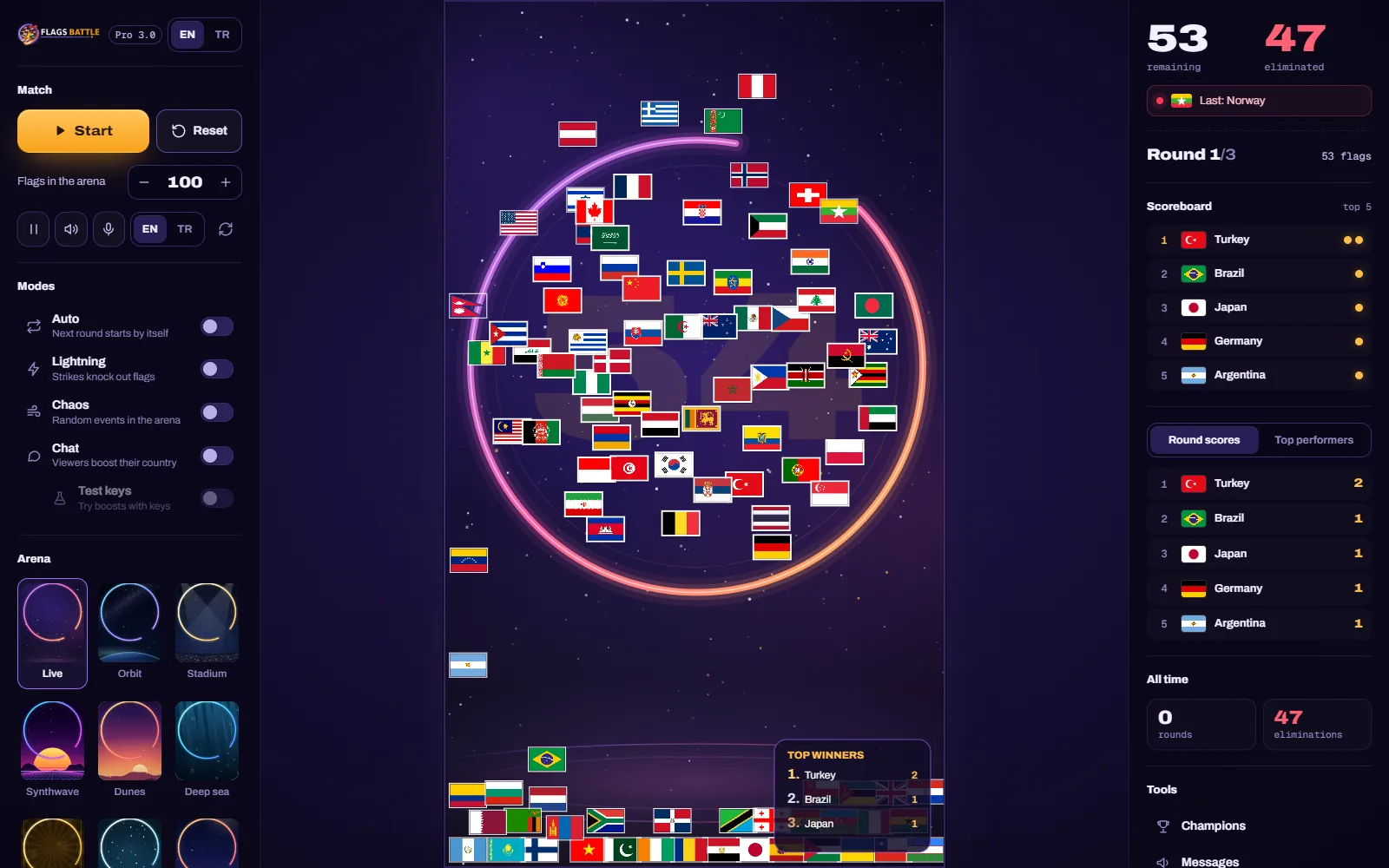 Streaming guide · 5 min read
How to install FlagsBattle and activate your license
Download FlagsBattle Pro from your profile, install it on Windows, sign in with Google and activate your license key. With fixes for the most common problems.
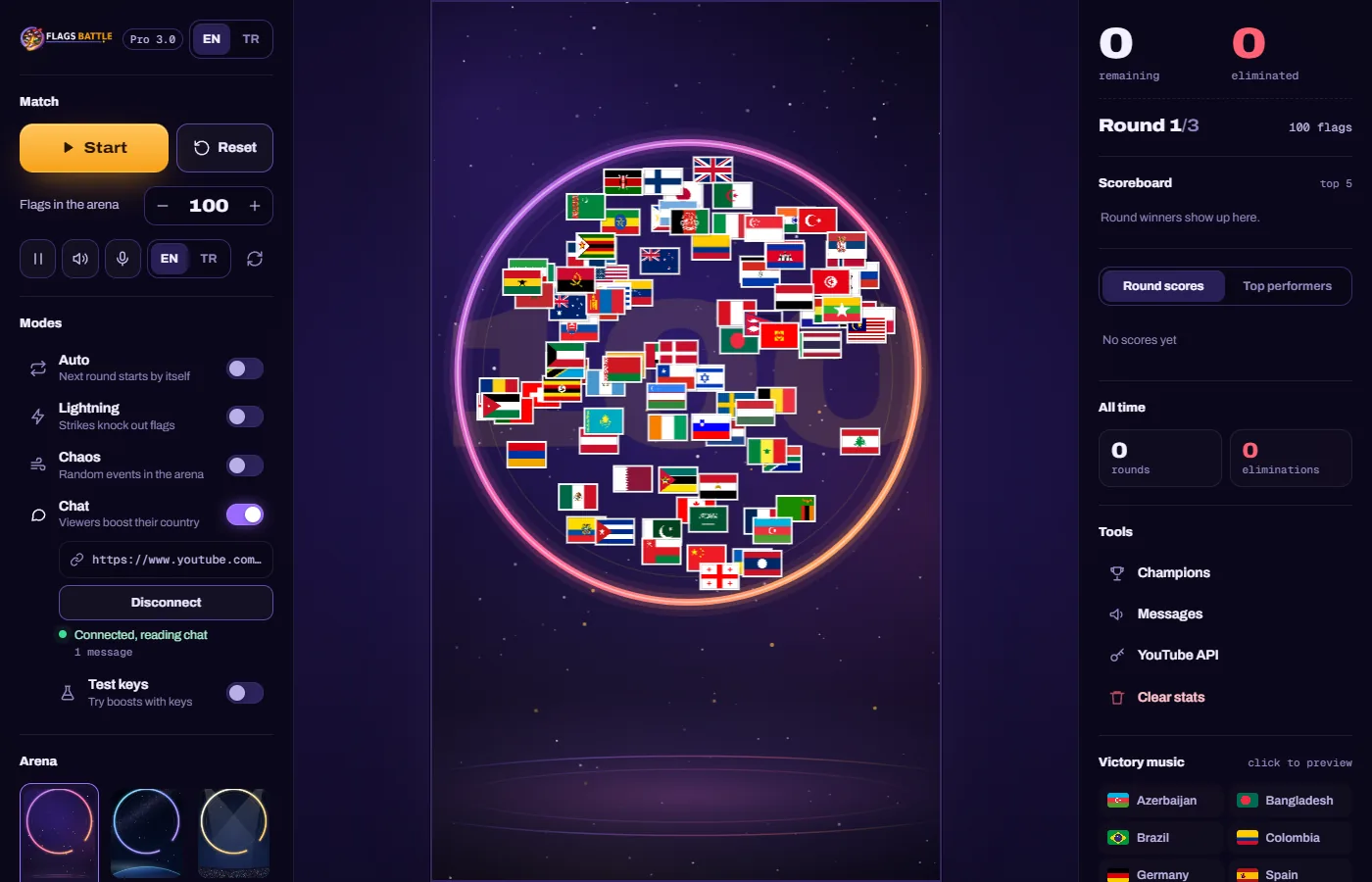 Streaming guide · 8 min read
How to run a FlagsBattle stream: the control room, rounds and settings
A tour of the FlagsBattle control room for streamers: start a battle, connect your live chat, the Auto, Lightning and Chaos modes, arenas, countries, the announcer and the settings.
Streaming guide · 7 min read
How to stream FlagsBattle on YouTube with OBS Studio
A step-by-step setup for streaming FlagsBattle on YouTube with OBS Studio: window capture, cropping the arena, game sound, chat, stream settings and a test run.
 Streaming guide · 6 min read
YouTube API key for live chat games: setup and daily quota
How to create a free YouTube Data API v3 key for a live chat game, keep it safe, and understand the daily quota: when it resets, why it runs out and how to ask for more.
 Streaming guide · 7 min read
12 ways to keep your YouTube live chat busy
Practical ideas for streamers running an interactive game on YouTube Live: clear first instructions, predictions, rivalries, shout-outs, schedules, clips and simple moderation.
 Streaming guide · 5 min read
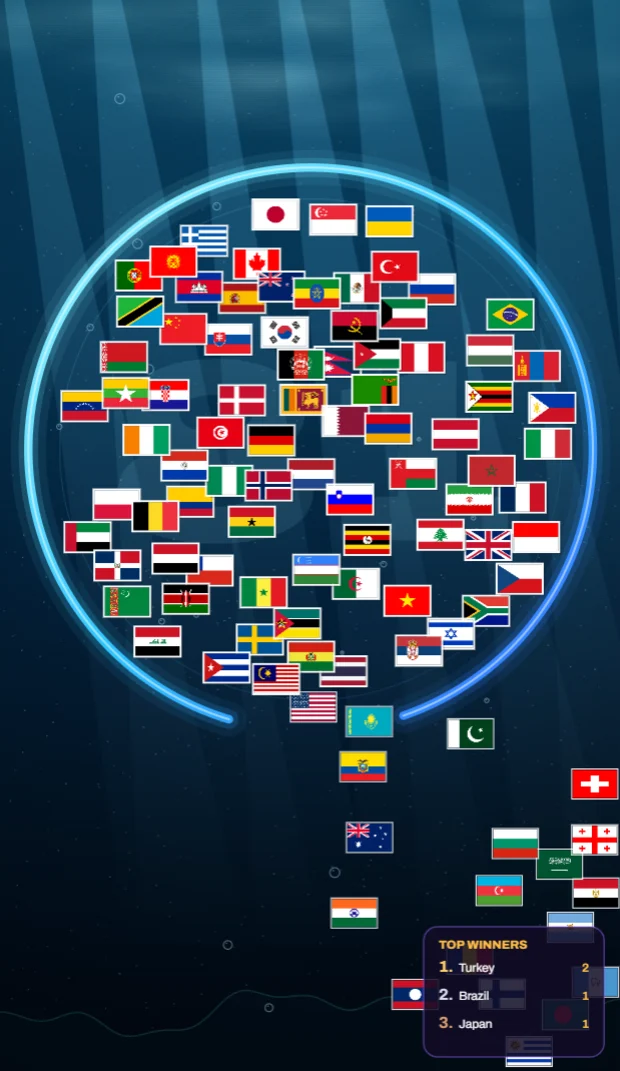
Vertical or 16:9? Choosing a format for a flag battle stream
Vertical or widescreen for a FlagsBattle live stream: who each format reaches, how to set up OBS for both, and a simple way to run both from the same game.
About flags
 Flags · 6 min read
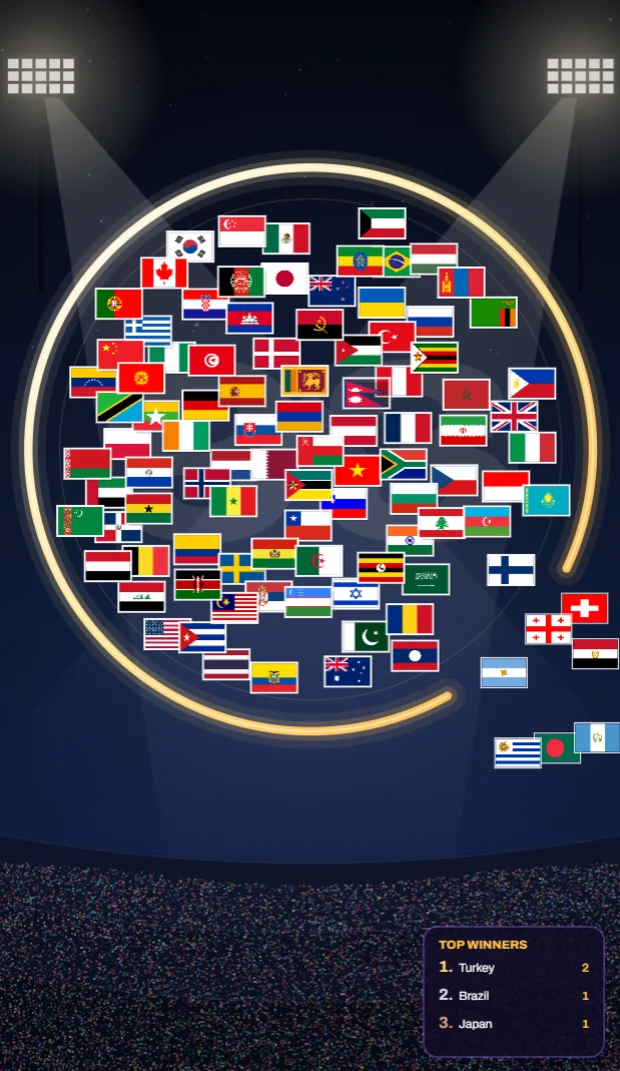
What flag colours mean: red, white, blue, green and more
What the colours on national flags usually stand for, why the same colour can mean different things, and the colour families that link flags: Pan-African, Pan-Arab, Pan-Slavic and the Nordic cross.
 Flags · 6 min read
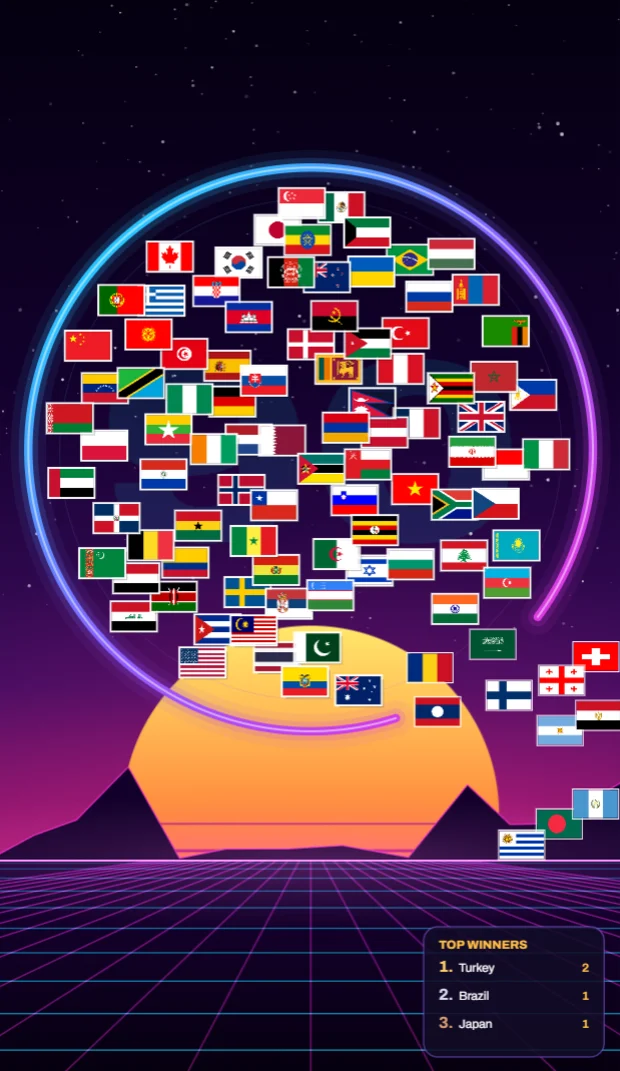
Flags that look alike, and how to tell them apart
Chad and Romania, Indonesia and Monaco, Australia and New Zealand: the national flags most often confused, side by side, with the one detail that tells each pair apart.
 Flags · 5 min read
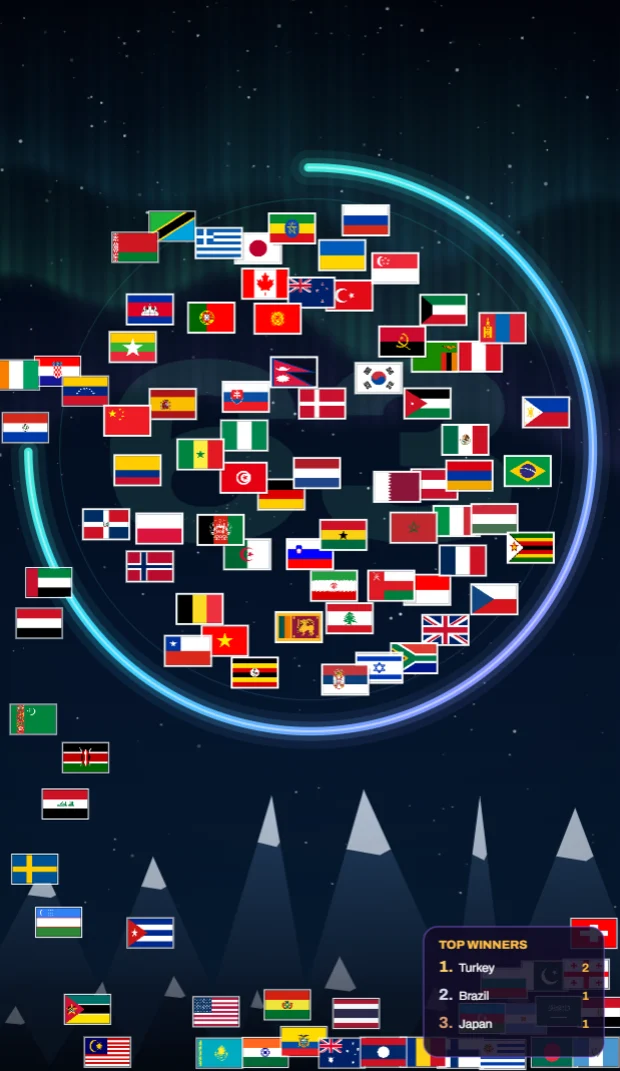
The world's most unusual national flags
Nepal's two pennants, the square flags of Switzerland and the Vatican, Mozambique's rifle, Paraguay's two faces: the national flags that break the usual rules, and the stories behind them.
Flags · 120 flags
Flags of the world: what they mean and where they come from
For each flag: the design, what its colours and symbols mean, its history, and which stories are legends, with sources.