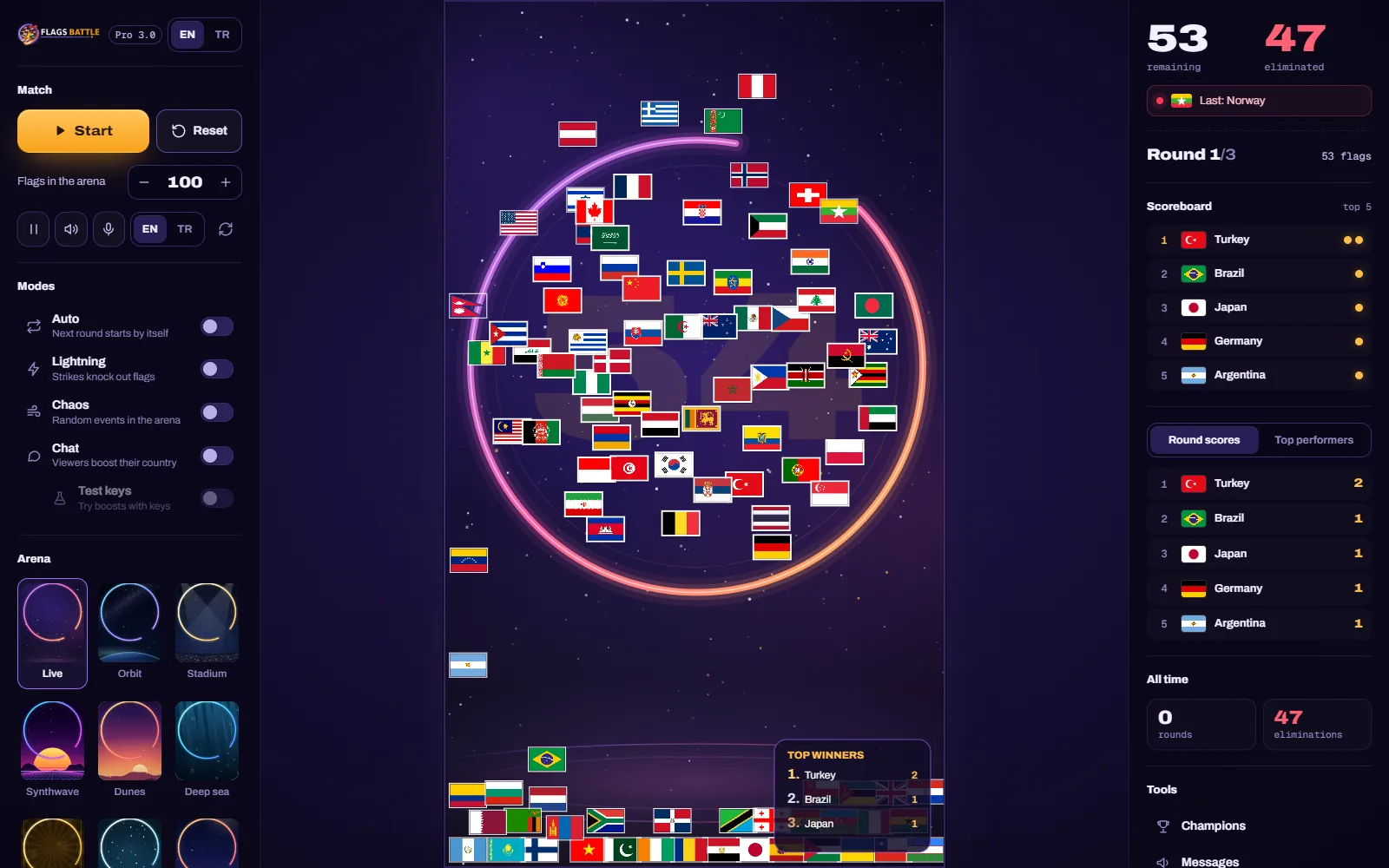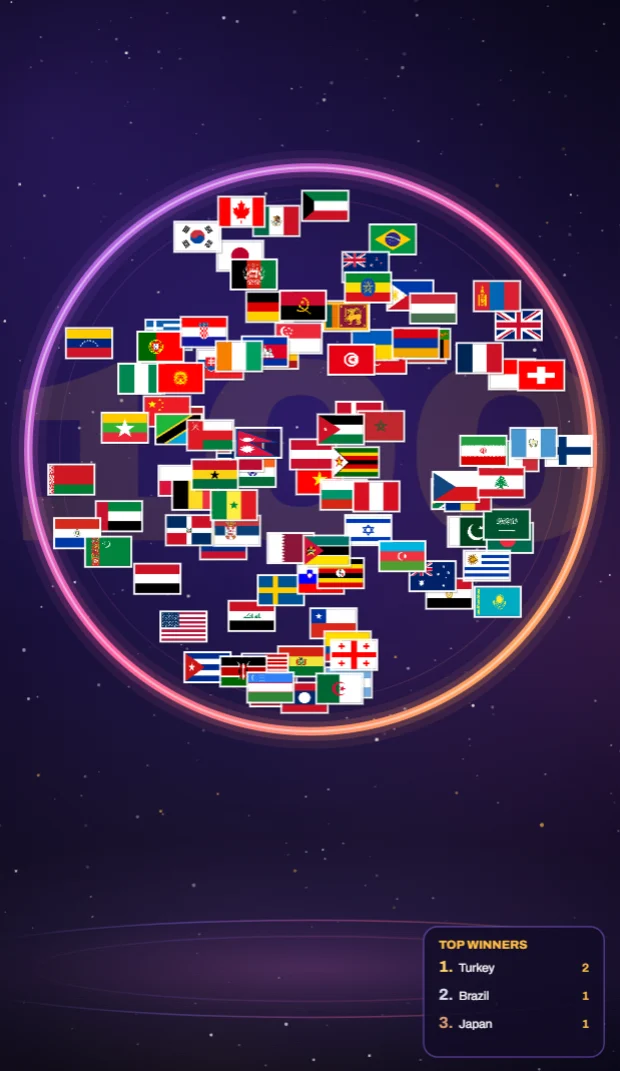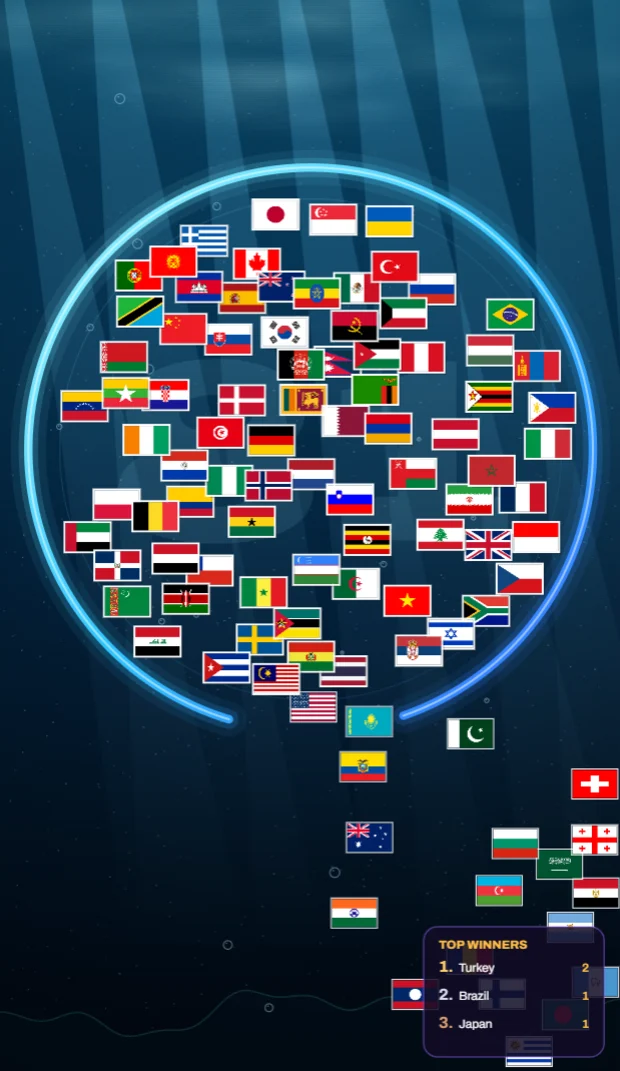
The FlagsBattle arena is a tall shape (11:19), close to a phone screen. That makes vertical streams look natural, but there are good reasons to go wide too. The right choice depends less on the game than on where your viewers find you.
Vertical (9:16): made for phones
- Who it suits: viewers on phones, and channels that grow through Shorts. A vertical picture fills the whole screen without black bars.
- What viewers see: the arena, large, with nothing else competing for attention. Flags and names stay readable even on a small screen.
- Setup: in OBS set the canvas to 1080×1920, capture the game window and crop it to the arena. Because the arena is 11:19, it fills the frame almost exactly; a little space is left at the top and bottom for your channel name or a short instruction like "send your flag emoji".
16:9: made for desktops, TVs and replays
- Who it suits: viewers on computers and TVs, and long streams people watch back later as videos.
- What viewers see: FlagsBattle's 16:9 video mode hides the side panels and keeps the arena in the middle of the window on the same night background as the arena; with a wide, maximised window there are no black bars. Or keep the side panels visible so the scoreboard and round counter are part of the show.
- Setup: set the OBS canvas to 1920×1080. Maximise the game window, then turn on the 16:9 switch in the game's Arena panel; it hides the side panels until you press Esc. Capture the whole window.
Side by side
| Question | Vertical | 16:9 |
|---|---|---|
| Best screen | Phone | Computer, TV |
| Arena size on screen | Almost full | Centre of the frame |
| Room for scoreboard and extras | Little | Plenty |
| Replays and long videos | Fine on phones | Best |
| OBS canvas | 1080×1920 | 1920×1080 |
Can you do both?
Yes, in two steps. First, start with one: pick the format your current viewers use most (YouTube Studio shows the device split of your audience) and stick to it for a few weeks so you can compare streams fairly. Later, you can record or clip in the other format: a 16:9 stream gives you plenty of vertical clips by cropping the arena afterwards, because the arena itself is already tall.
Tips that work for both
- Set the window size once. The arena keeps its place and size, so your OBS crop stays correct from stream to stream.
- Pick an arena that reads well. Darker arenas such as Live, Orbit or City make flags pop on small screens; brighter scenes like Dunes look great on big ones.
- Keep text on screen short. One line telling people what to type is worth more than a paragraph nobody reads.
- Check the replay on a phone. Whatever format you choose, most people will watch it in a hand.